 John Uebersax
Why Latency and Player Populations Differ by Game Server Region
Choosing a game server region is usually a trade-off rather than a simple matter of selecting the nearest location. A nearby region may provide responsive gameplay but have long queues in an unpopular mode. A larger region may find matches quickly but introduce enough delay to affect aiming, movement or reaction timing.
The best region is therefore not always the one with the lowest displayed ping or the largest total community. It is the region that provides an acceptable combination of latency, connection stability, queue time and match quality for the game mode you actually play.
First Identify Whether the Problem Is Latency, Connection Instability or Matchmaking
Before changing regions, determine what is actually causing the poor experience. Players often describe every connection problem as “high ping,” even though several different issues can produce lag-like symptoms.
Latency is the time required for data to travel between your device and the game server. A consistently higher latency may make actions feel delayed, but a stable connection can still be playable in slower games. Packet loss causes some data to disappear before reaching its destination, which may result in teleporting characters, missed inputs or sudden corrections. Jitter means latency changes rapidly from one moment to the next, creating an inconsistent experience even when the average ping does not look unusually high.
Server performance and frame-rate problems can also resemble network lag. If every player in the match freezes at the same time, the problem may be on the game server. If the game becomes unresponsive while the ping indicator remains normal, the device may be struggling to maintain a stable frame rate.
Run the following comparison before deciding that the region itself is unsuitable:
| What you observe | Most likely issue | Best first action |
|---|---|---|
| Ping remains high but stable | Distant server or inefficient route | Test a nearer region |
| Ping rises and falls sharply | Wi-Fi interference, congestion or routing instability | Use Ethernet and stop background traffic |
| Characters teleport or inputs disappear | Packet loss | Test the local network and ISP connection |
| Queue is long but gameplay is smooth | Small active player pool | Play at peak hours or test a larger region |
| Match starts quickly but feels delayed | Larger yet more distant region | Return to the lower-latency region |
| Only one game has problems | Game-specific server or routing issue | Check the game’s server status and support page |
Physical distance places a lower limit on how quickly data can travel, but it does not determine the final ping by itself. Internet traffic may pass through several networks and exchange points before reaching the game server. A geographically close server can sometimes perform worse than a slightly more distant one if the latter has a more direct network route.
For this reason, choose a region based on measurements inside the game rather than its label. A region named “Asia,” “Europe” or “North America” may contain several server locations, and the game may not always reveal which data center is hosting a particular match.
The Balance Between Low Latency and Faster Matchmaking
A game server region does not contain a fixed number of available opponents. Its usable population changes by time of day, rank, game mode, platform, input method and matchmaking restrictions.
A region may have a large total player base but still produce long queues if few players are searching for your specific mode or competitive rank. Conversely, a smaller region can provide fast matches during its local evening peak if most players concentrate in the same playlist.
Matchmaking systems must balance several goals. They may try to find players with similar skill ratings, acceptable latency, compatible party sizes and the same game mode. When the available pool is small, the system generally has fewer good combinations. Depending on the game, it may respond by extending the search, widening the permitted skill range, connecting nearby regions or placing players against familiar opponents.
This creates a practical choice between three common situations.
For competitive shooters, fighting games and other reaction-sensitive games, prioritize a stable low-latency region. A faster queue is not necessarily worthwhile if the added delay affects aiming, defensive inputs or timing. It is usually better to wait slightly longer for a match than to enter a server where the connection changes the outcome of close interactions.
For cooperative, turn-based or less timing-sensitive games, a larger regional pool may be more valuable. A moderate increase in latency may be acceptable when it provides more teammates, more active modes or shorter waiting times. The acceptable threshold depends on the game rather than on one universal ping number.
For rare modes, very high ranks or off-peak play, test a nearby larger region. The local region may remain the best choice for ordinary matchmaking but become impractical when only a small number of eligible players are searching. In that situation, a controlled increase in latency may be preferable to waiting indefinitely or repeatedly meeting the same opponents.
Do not judge population from the number of registered accounts or the global popularity of the title. What matters is the number of compatible players searching at the same time. Public player-count pages may show overall activity but rarely reveal the exact population of an individual game region, rank or playlist.
Test Regions at the Same Time and Choose the Best Trade-Off
The most reliable way to choose a server region is to run a controlled comparison. Test the available regions on the same day, during similar hours and with the same local network setup.
Record the displayed latency, whether the ping remains stable, approximate queue time and the quality of the resulting matches. One match is not enough because server load and routing can vary. Several sessions provide a more useful comparison.
For example, suppose the nearest region usually provides smooth gameplay but requires eight minutes to fill a ranked match late at night. A neighboring region may reduce the queue to two minutes while adding a small and stable amount of latency. That may be a reasonable trade for a strategy game but a poor choice for a reaction-based competitive title.
The decision should be based on the actual result:
- Stay in the nearest region when responsiveness is important and queues remain acceptable.
- Try a nearby larger region when the local population cannot reliably fill your preferred mode.
- Return to the local region when the distant server creates unstable ping, packet loss or noticeable input delay.
- Avoid automatic region selection when it repeatedly places you on inconsistent servers and the game allows manual control.
- When playing in a party, compare every member’s latency instead of choosing the host’s nearest server automatically.
Peak hours are also worth testing before permanently changing regions. A small regional community may be highly active during local evenings and weekends but nearly empty in the morning. Moving to a distant region may be unnecessary if changing the playing time solves the queue problem without sacrificing connection quality.

Improve the Connection Before Assuming the Region Is the Problem
Changing server regions cannot repair every network issue. Before accepting higher latency or abandoning a local region, remove avoidable problems inside the home network.
Use a wired Ethernet connection where practical. Wi-Fi may add interference, packet loss and latency variation, particularly when the signal must pass through walls or share a crowded channel. Pause cloud backups, large downloads, video streams and software updates while testing. Restarting the router may resolve temporary faults, but it is not a permanent solution to poor routing or congestion.
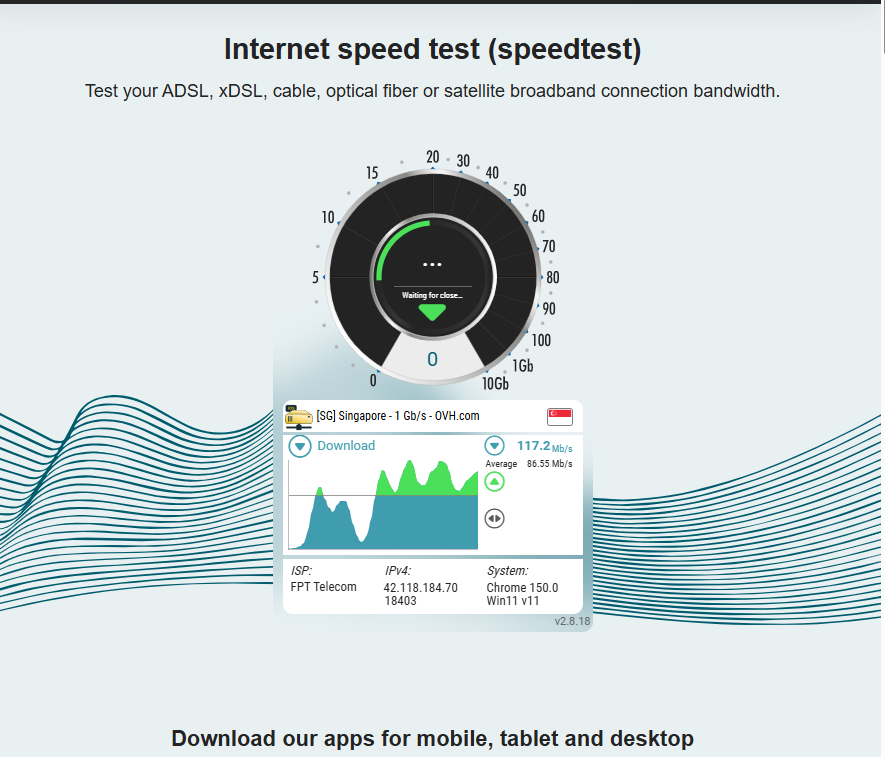
A general speed test is not enough to evaluate a game server. It usually connects to a nearby testing location rather than the game’s actual infrastructure. A fast download speed and low speed-test ping do not guarantee a good route to a particular game region.
VPNs and gaming route optimizers should not be treated as automatic fixes. A different route can occasionally bypass poor ISP peering, but it can also add another intermediary and increase latency. Test the connection before and after using such a service and keep it only when the improvement is consistent. Do not use it when it conflicts with the game’s terms or regional account rules.
When one game performs poorly while other online services work normally, check the game’s official server status, regional support documentation and community notices. The cause may be maintenance, a damaged route between networks or a problem at one data center rather than a permanent weakness of the entire region.
The correct server is the one that remains stable while providing a sufficiently large pool for your preferred mode. Measure both sides of the trade-off instead of choosing solely by the region name, the lowest single ping reading or the promise of faster matchmaking.